Haus iT Caller ID
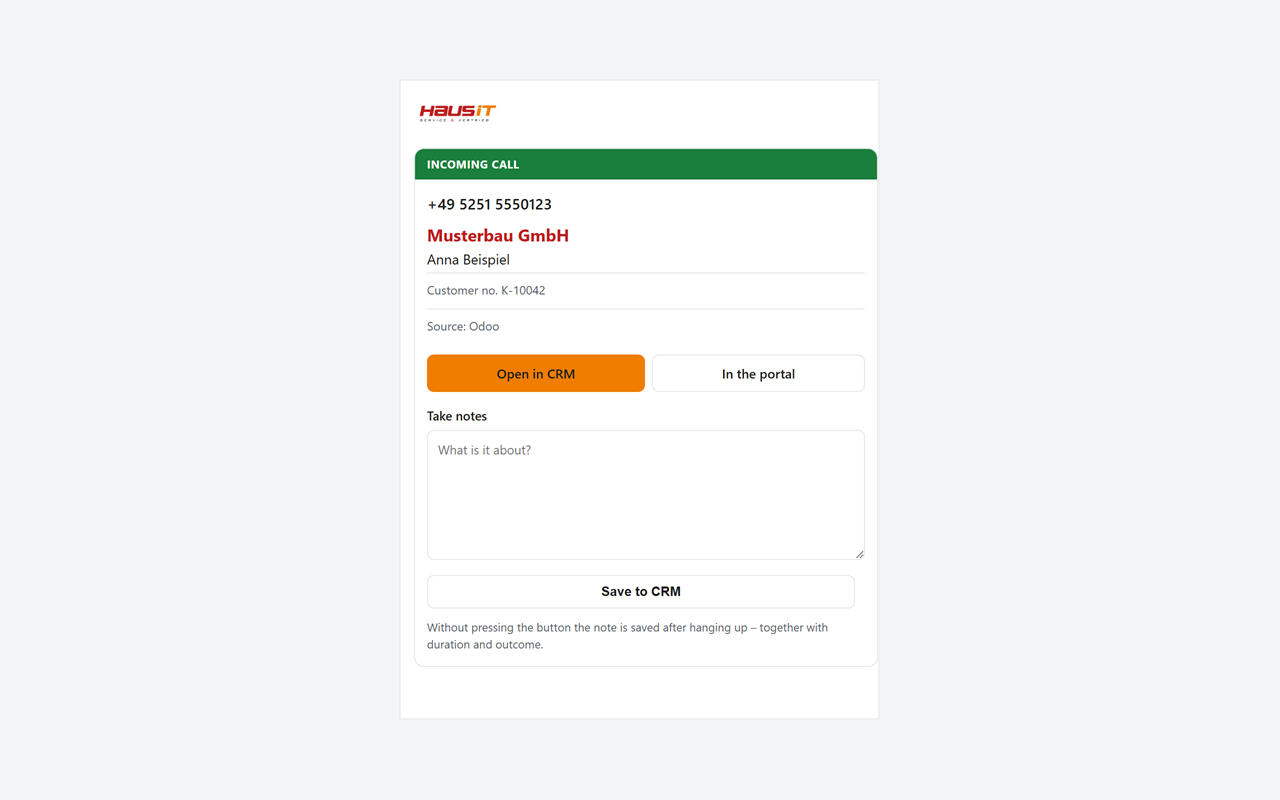
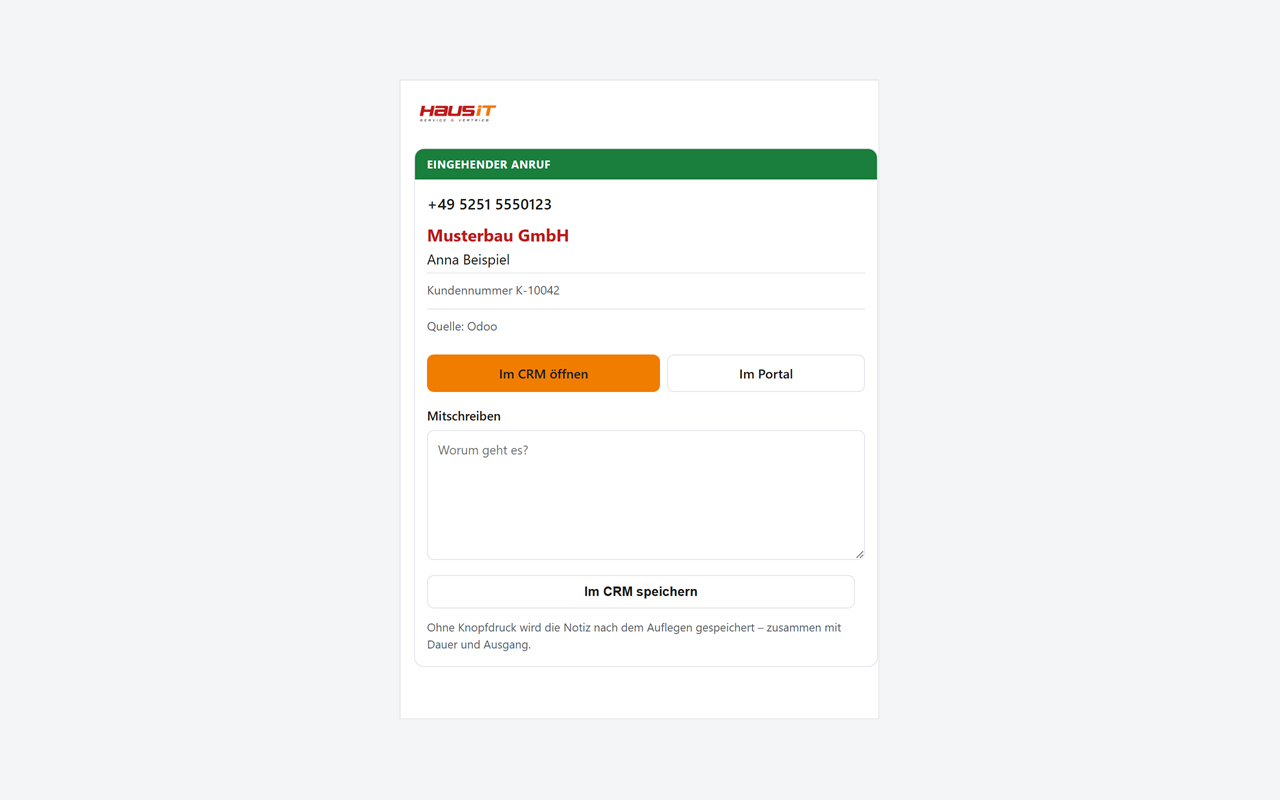
See who is calling before you pick up: company, contact and customer number from your CRM or ERP, right in the Webex sidebar. Plus the commercial picture - open items, overdue amounts, credit limit. Take a note and it lands in the record.
Haus iT Caller ID
See who is calling before you pick up: company, contact and customer number from your CRM or ERP, right in the Webex sidebar. Plus the commercial picture - open items, overdue amounts, credit limit. Take a note and it lands in the record.
Know who is calling - before you pick up. Haus iT Caller ID looks up the caller's number in your CRM or ERP and shows company, contact and customer number in the Webex sidebar. One click opens the record; after the call you can write a note into it. Connected: Odoo, SAP Cloud for Customer, Microsoft 365, zvoove Recruit; more in the portal. No call content is processed - no recording, no listening in. Operated in German data centres.
Getting started: request an account at support@haus-it.de, sign in at hausit-portal.de, connect Webex and your CRM or ERP, then open the app from the sidebar. Step-by-step guide: https://hausit-portal.de/en/webex
Requirements: a Webex account (free or paid) and a Haus iT Service & Vertrieb account. Authorisation must be granted by a Webex Full Administrator who also holds the Compliance Officer role.
Pricing: subscription, billed monthly. EUR 290 per company (25 seats), EUR 50 per further block of 25, EUR 7.90 per user - plus VAT. Details on the landing page.
Support


Categories
Know who is calling - before you pick up. Haus iT Caller ID looks up the caller's number in your CRM or ERP and shows company, contact and customer number in the Webex sidebar. One click opens the record; after the call you can write a note into it. Connected: Odoo, SAP Cloud for Customer, Microsoft 365, zvoove Recruit; more in the portal. No call content is processed - no recording, no listening in. Operated in German data centres.
Getting started: request an account at support@haus-it.de, sign in at hausit-portal.de, connect Webex and your CRM or ERP, then open the app from the sidebar. Step-by-step guide: https://hausit-portal.de/en/webex
Requirements: a Webex account (free or paid) and a Haus iT Service & Vertrieb account. Authorisation must be granted by a Webex Full Administrator who also holds the Compliance Officer role.
Pricing: subscription, billed monthly. EUR 290 per company (25 seats), EUR 50 per further block of 25, EUR 7.90 per user - plus VAT. Details on the landing page.